
Appearance
Showcase
See EmberBoard in action with real-world examples and workflows.
Interface Overview
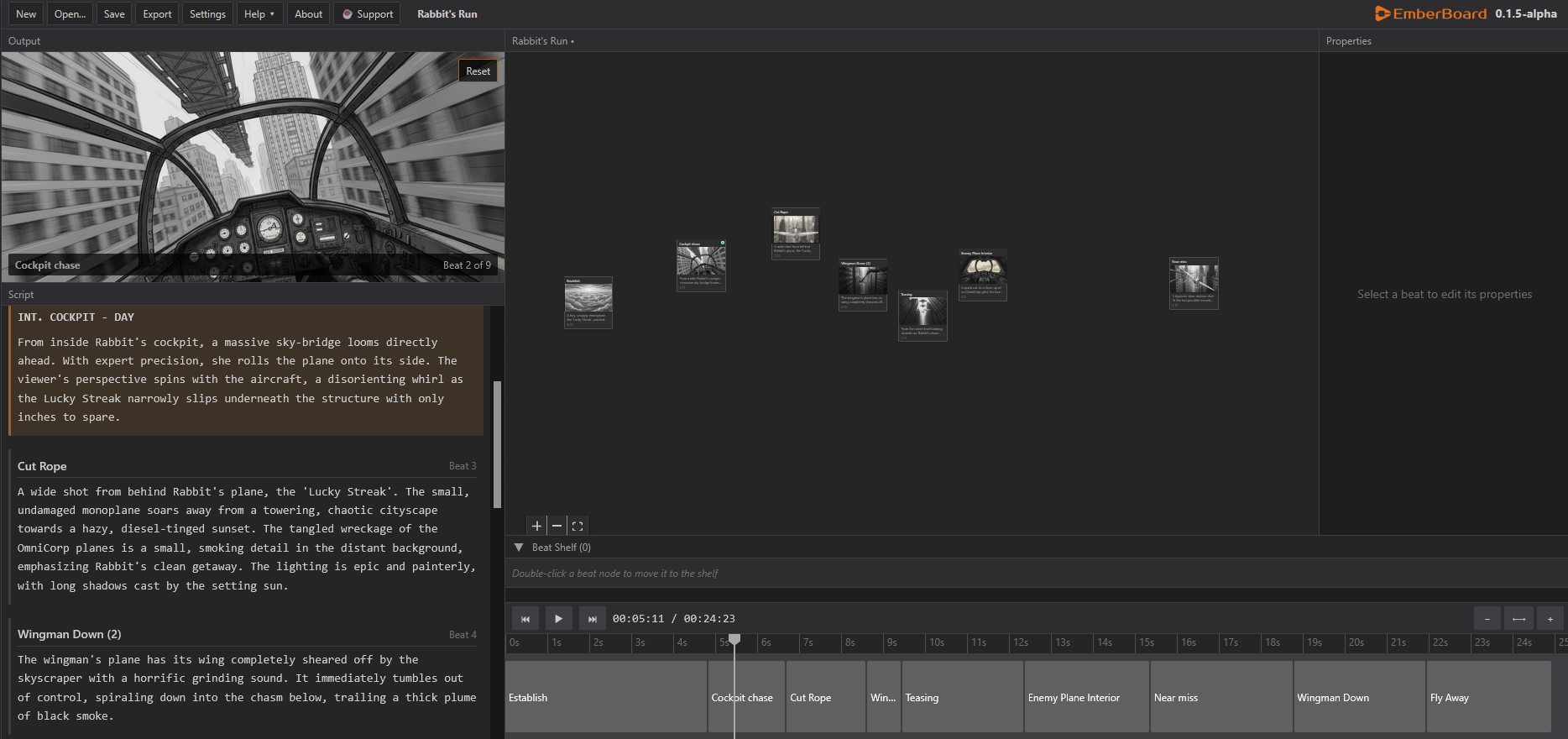
Example Workflows
1. Rapid Storyboarding
Double Click Add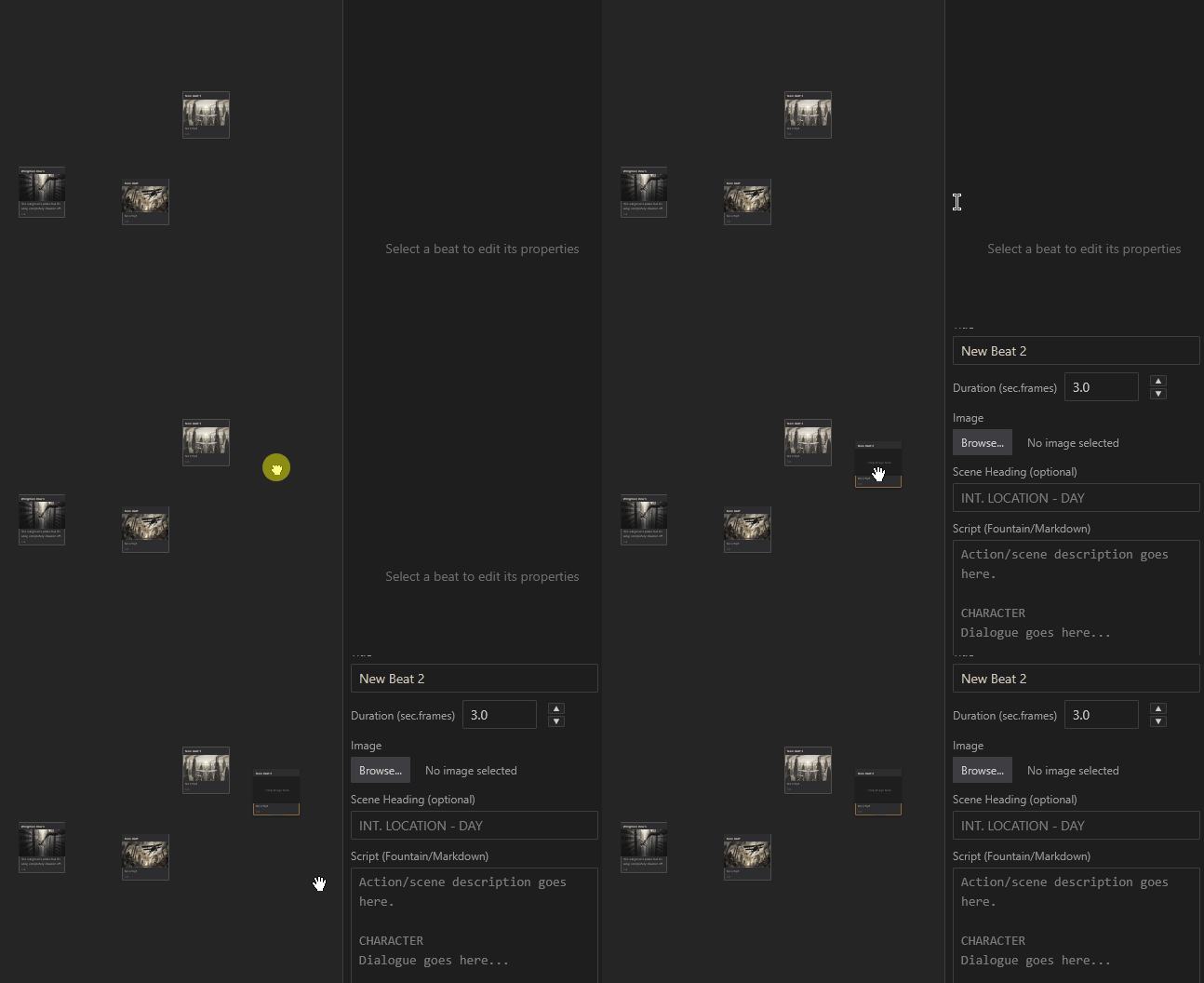
Multi Image Drag And Drop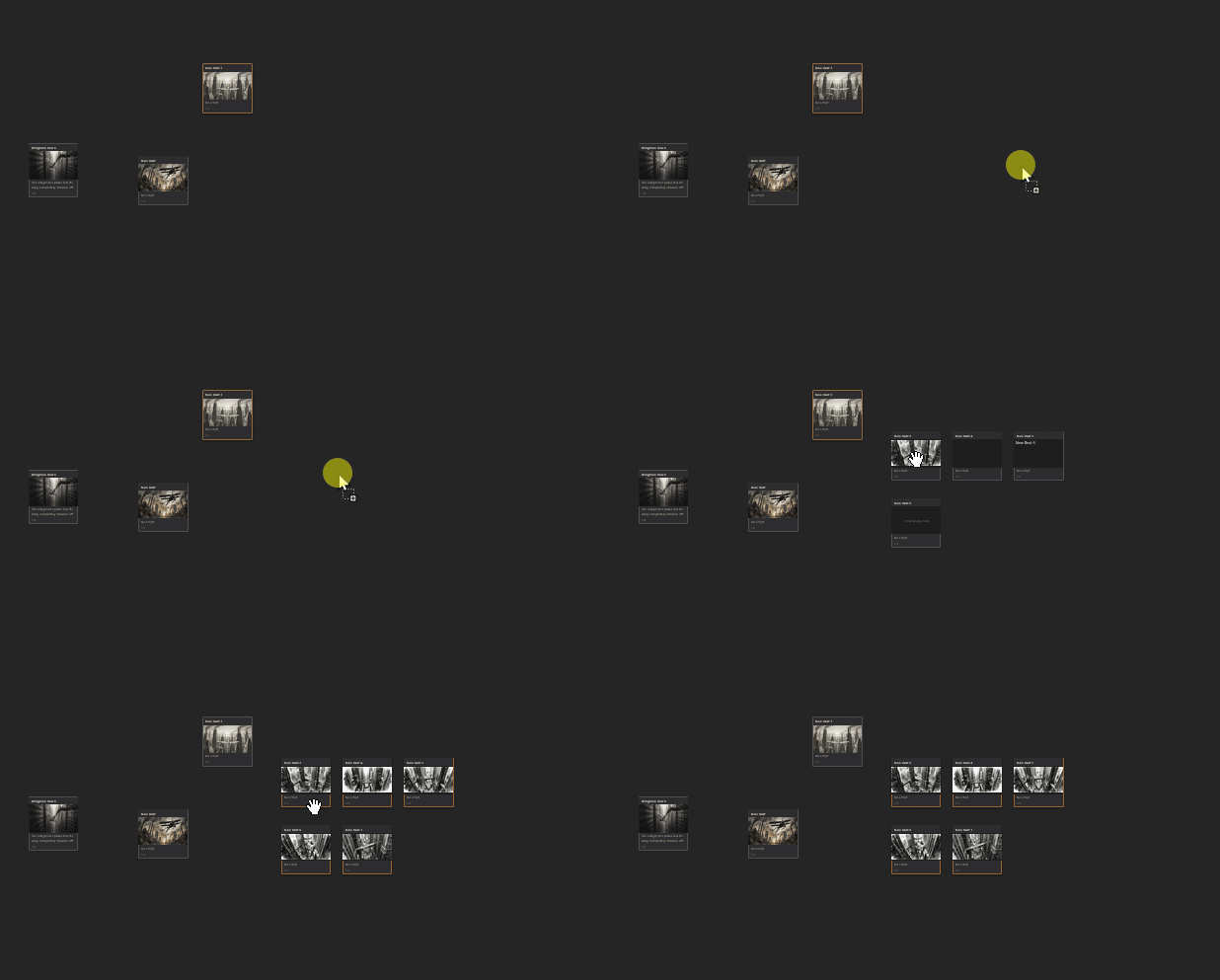
Editable timeline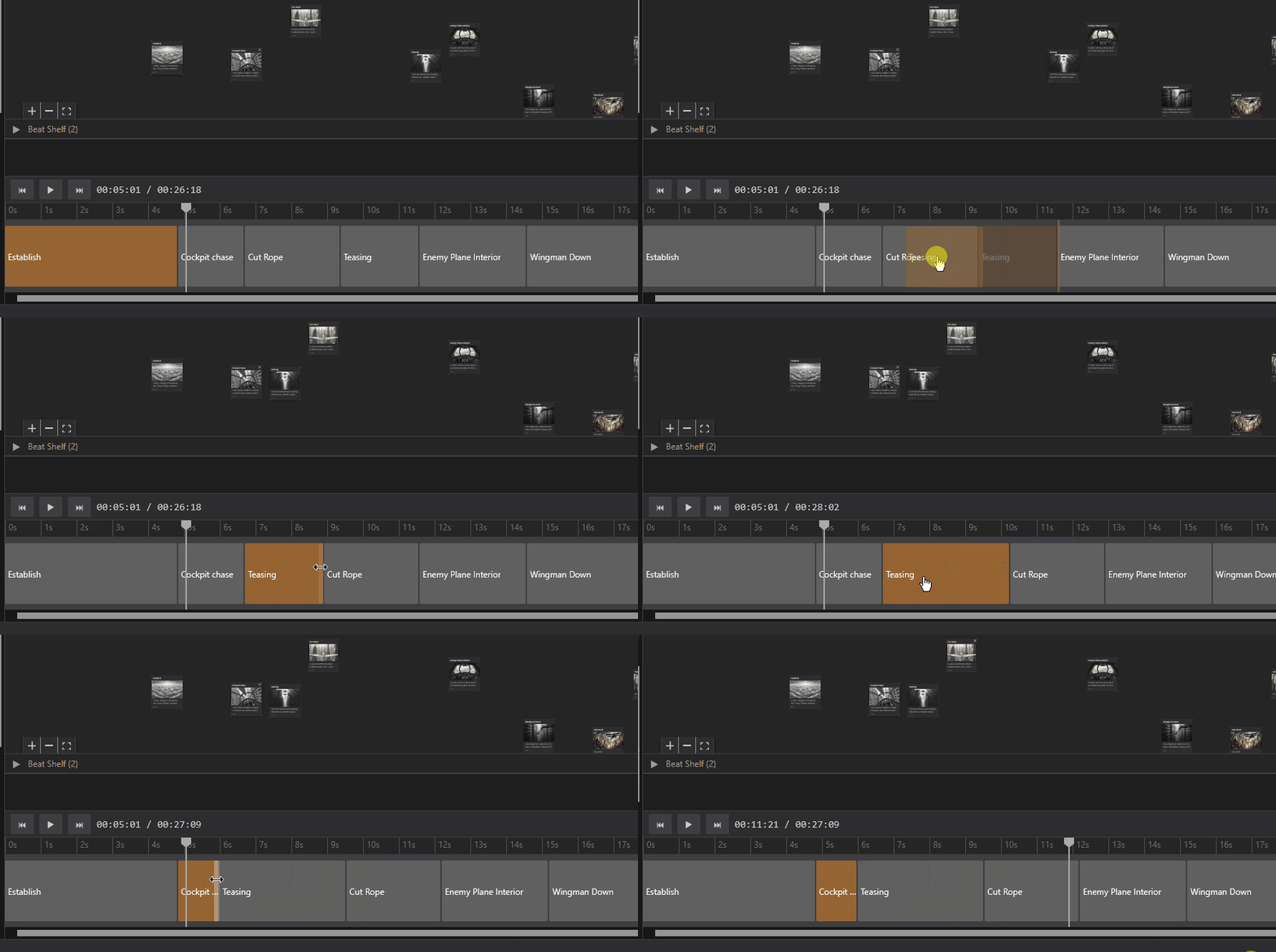
See how quickly you can go from blank canvas to complete storyboard.
2. Timeline Playback
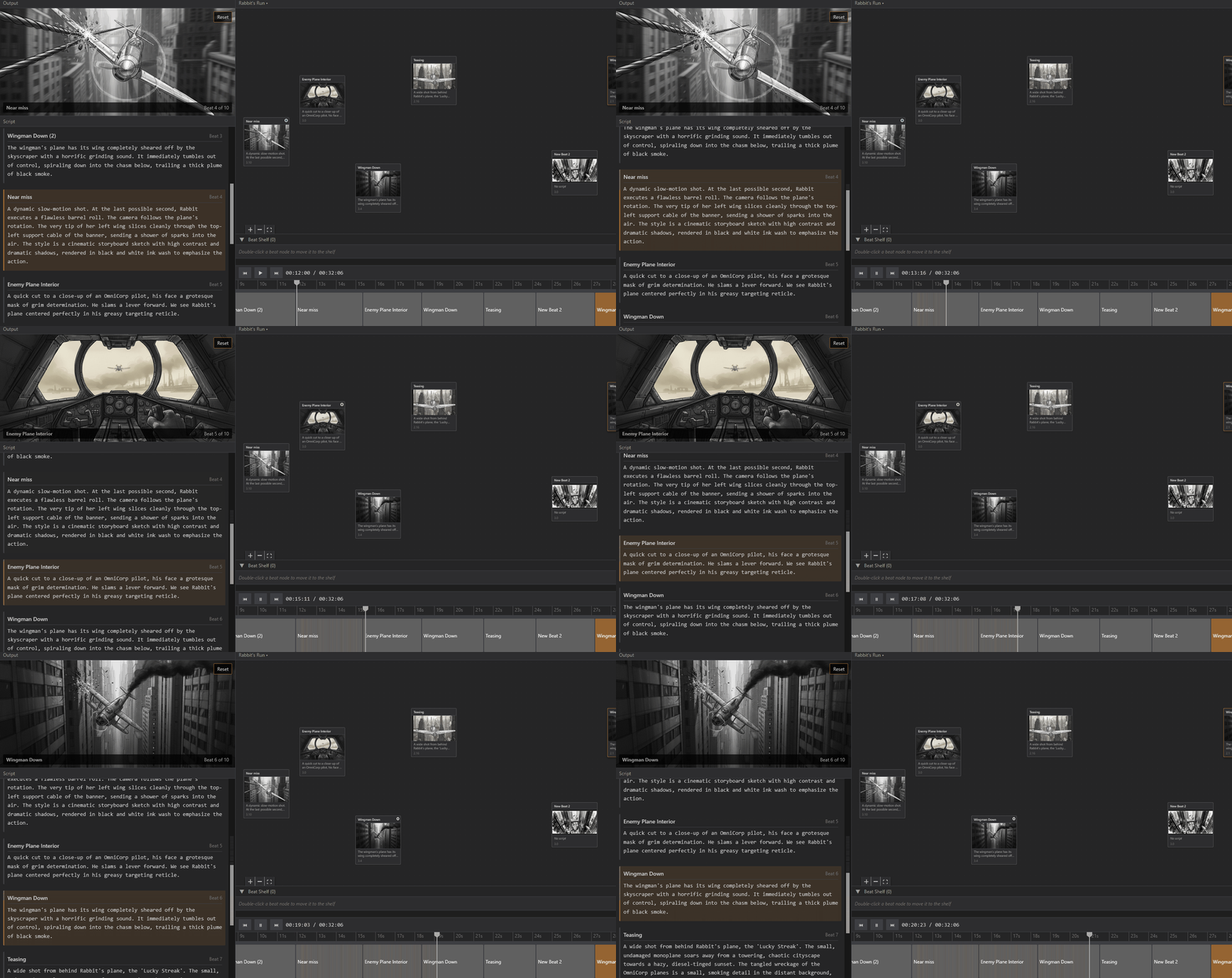
Experience real-time preview of your storyboard with synchronized playback.
3. Export for Production
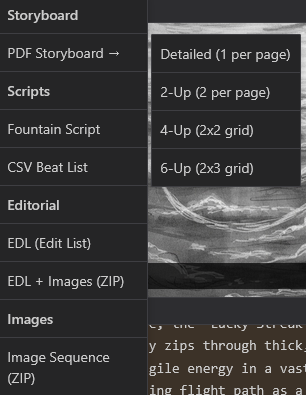
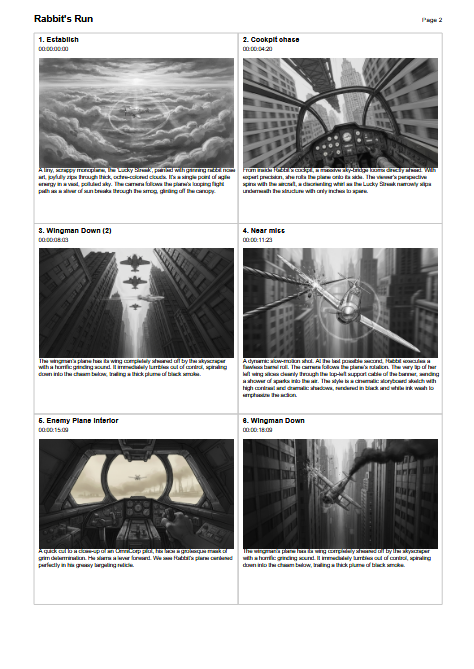
Export your work in multiple formats ready for your editing software.
Feature Highlights
Node-Based Organization
Placeholder: Screenshot showing:
- Multiple beats arranged on canvas
- Connections/flow between scenes
- Beat shelf with parked beats
- Color-coded nodes for different scene types
Organize your story visually and see the big picture.
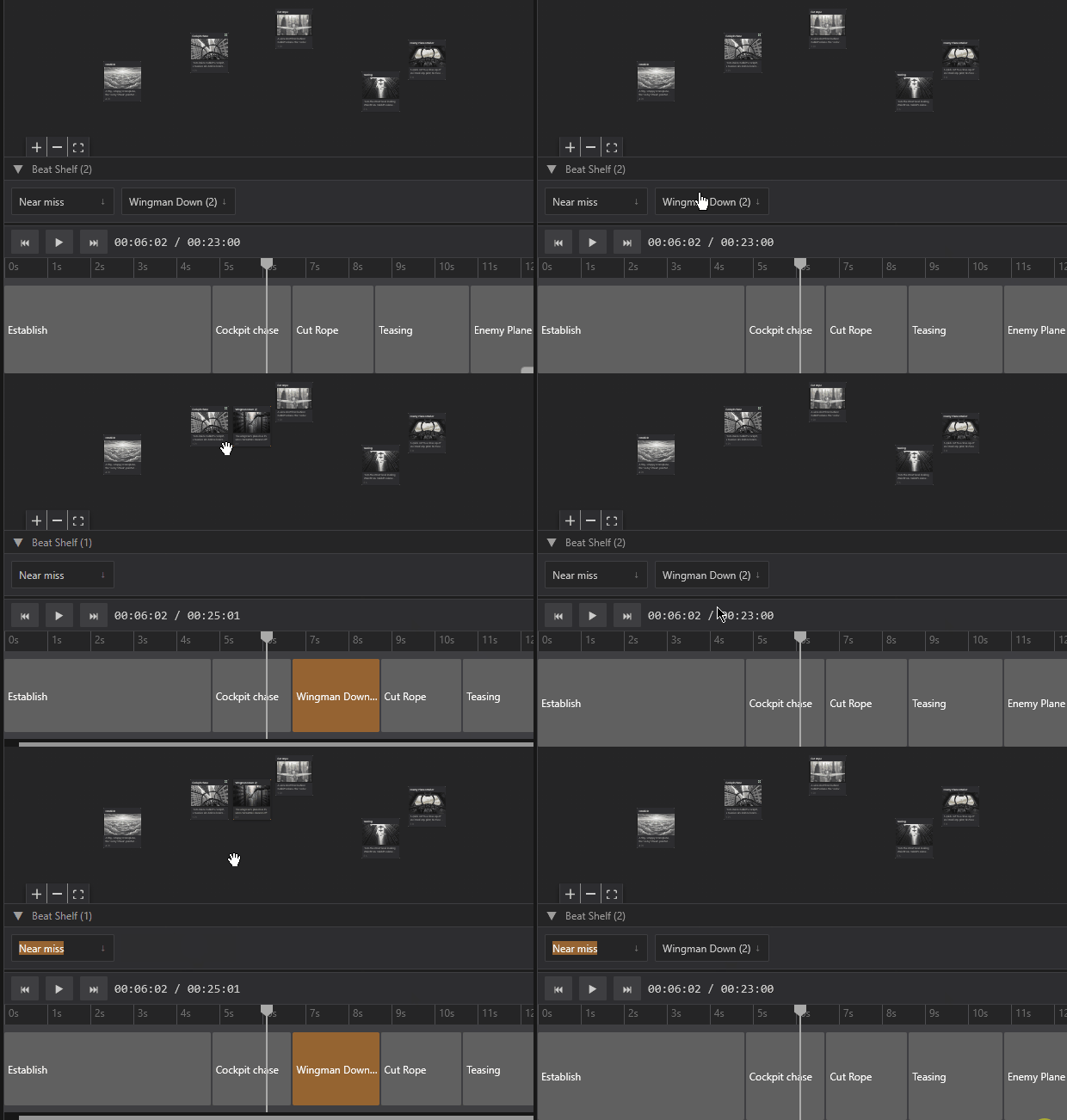
Beat Shelf
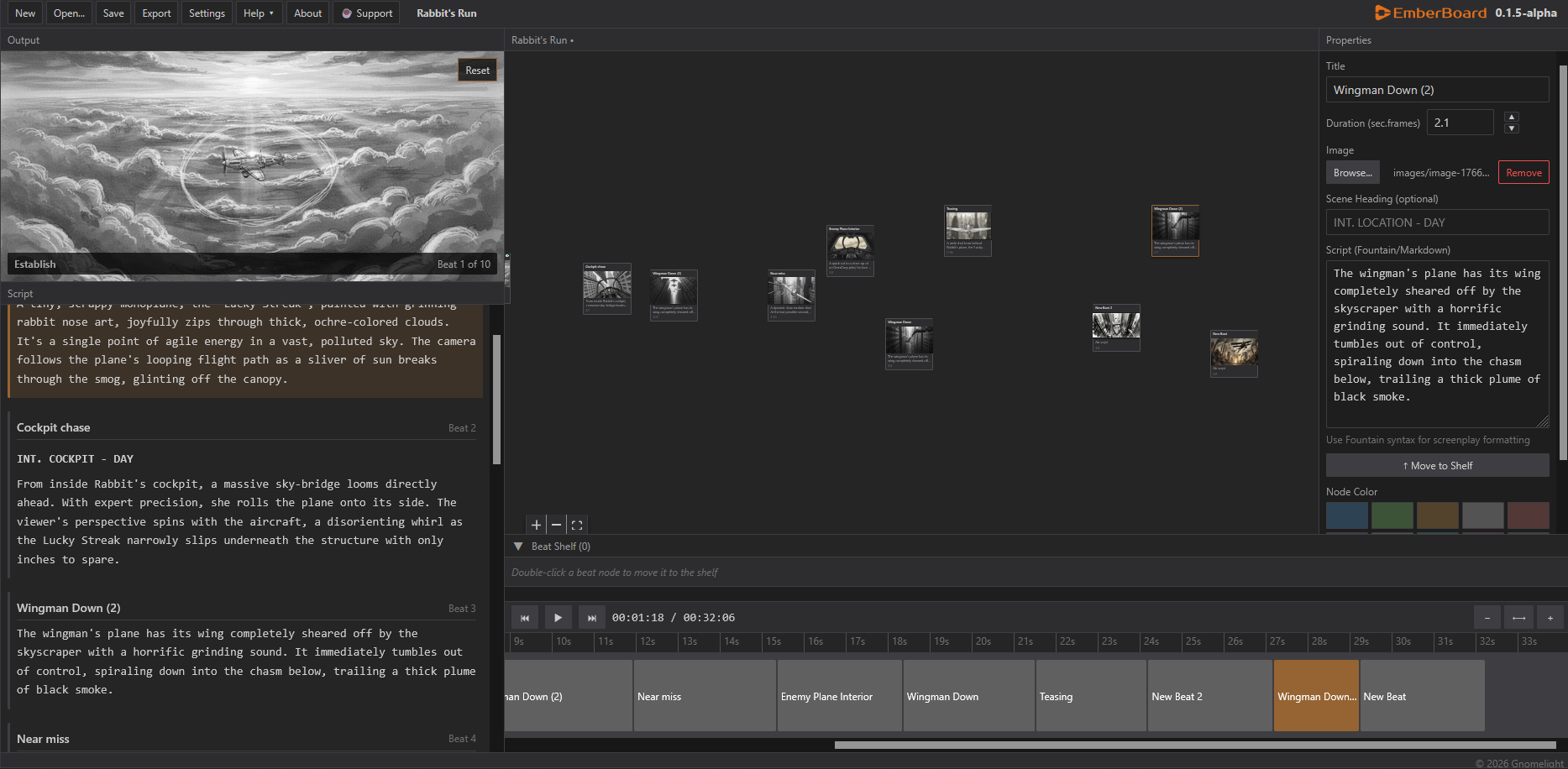
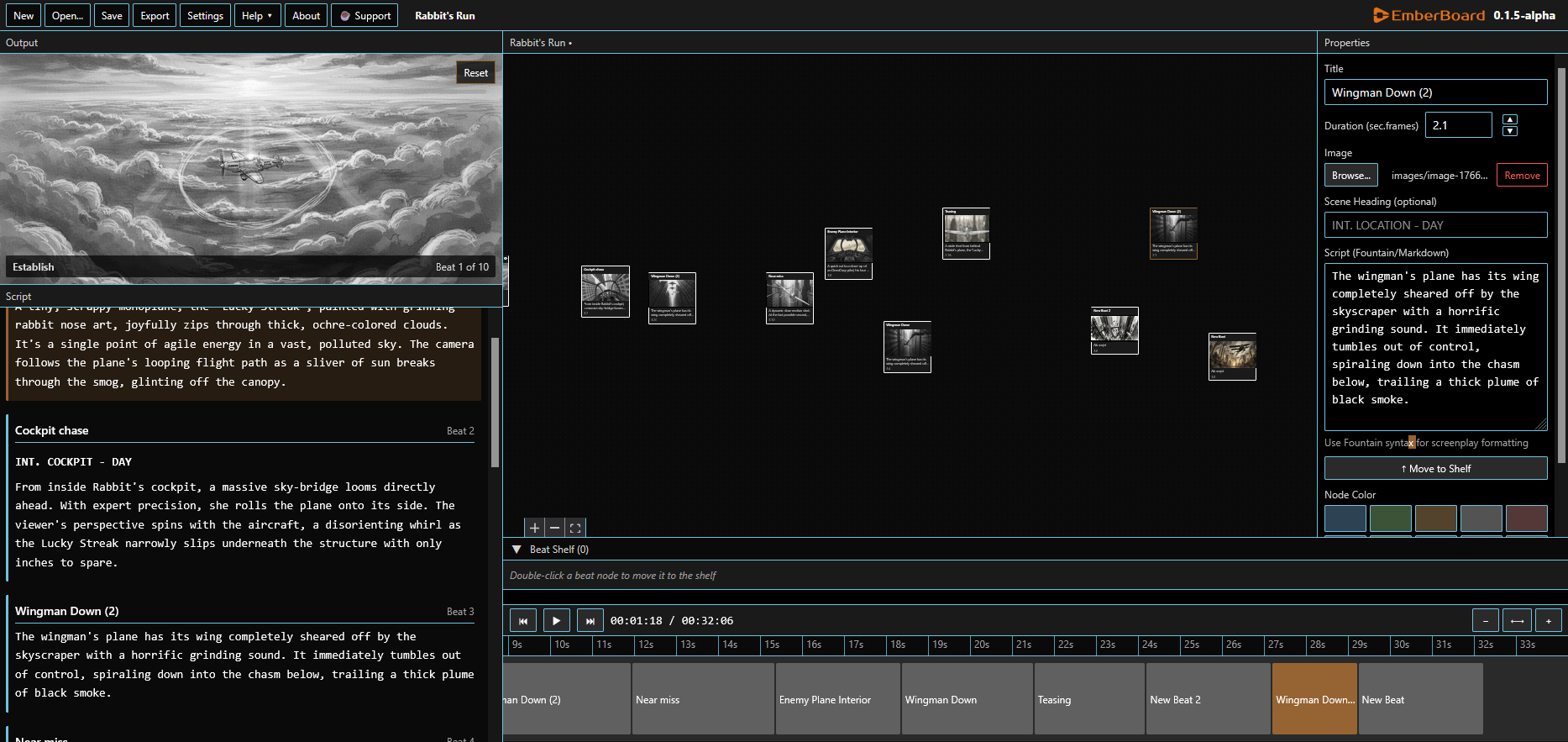
Themes and Customization
Dark
High Contrast
Light
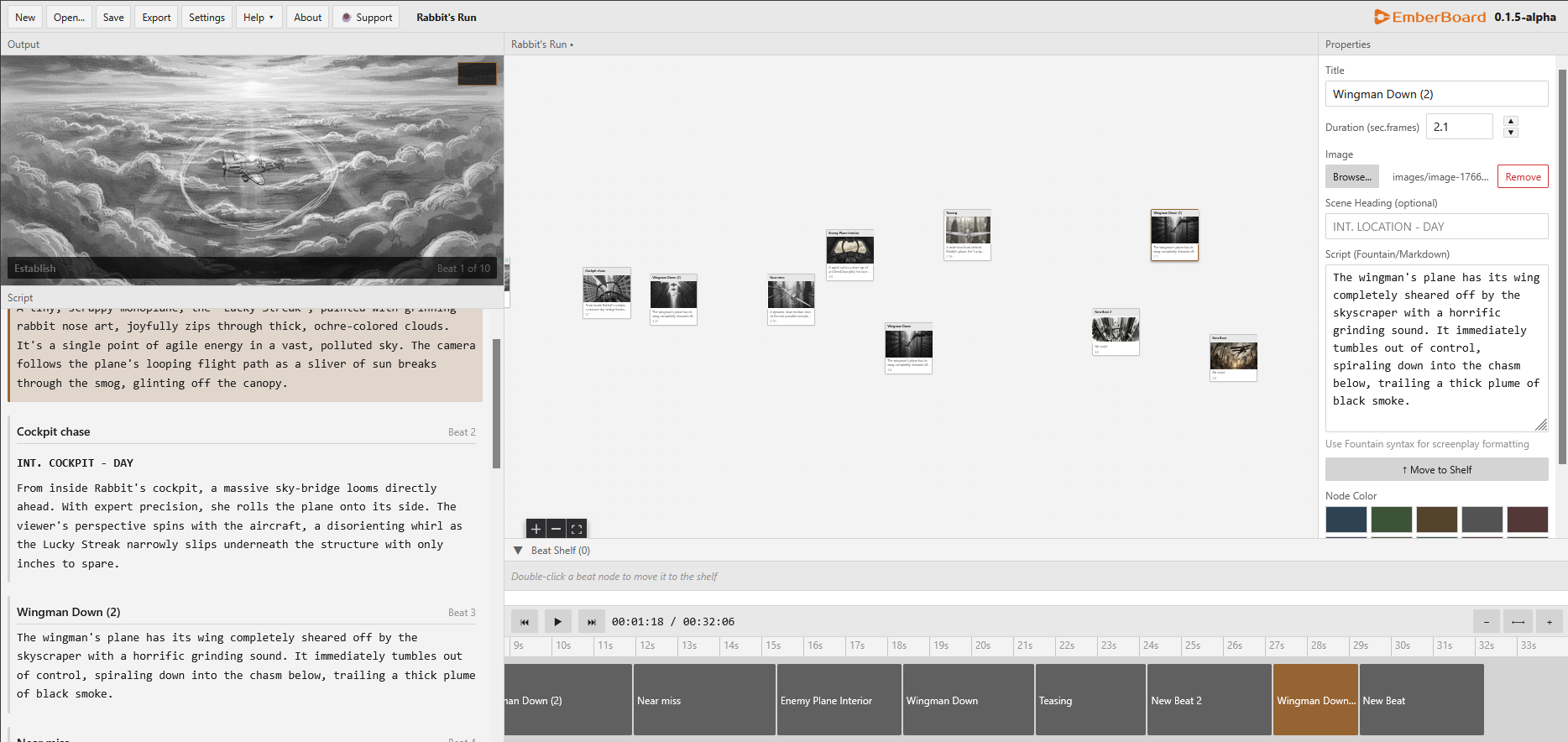
Work in the style that suits you best.
Sample Projects
Short Film Storyboard
Placeholder: Example storyboard for a short film showing:
- 20-30 beats
- Various scene types (INT/EXT)
- Mix of images and sketches
- Complete timeline view
See a complete project from start to finish.
Commercial Pitch
Placeholder: Example storyboard for a 30-second commercial showing:
- Tight timing (1-2 second beats)
- Professional presentation
- PDF export example
- Client-ready format
Perfect for presentations and client approval.
Community Examples
Coming soon! Once EmberBoard launches, this section will feature projects created by the community.
Want to be featured? Share your EmberBoard project with us!
Tips and Tricks
Pro Tip 1: Color Coding
Use node colors to organize your storyboard by scene type:
- Red = Action scenes
- Blue = Dialogue scenes
- Green = Establishing shots
- Yellow = Key plot moments
Pro Tip 2: Beat Shelf Workflow
Park alternate versions in the shelf instead of deleting them. You can easily pull them back if you change your mind.
Pro Tip 3: Export for Review
Use the PDF 2-Up layout for production team reviews—it gives a good balance of detail and overview.
Ready to Try It?
Launch EmberBoard App | View Documentation